

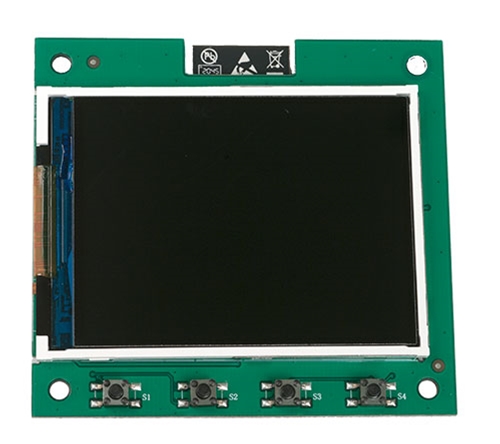
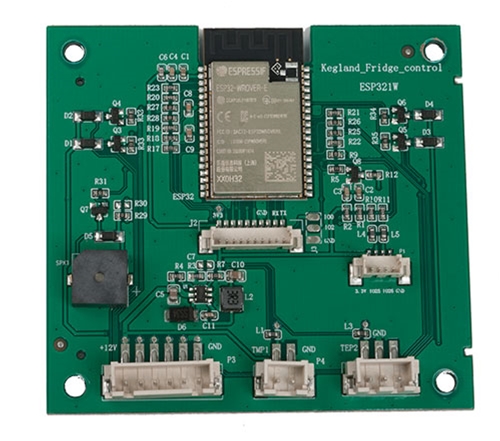
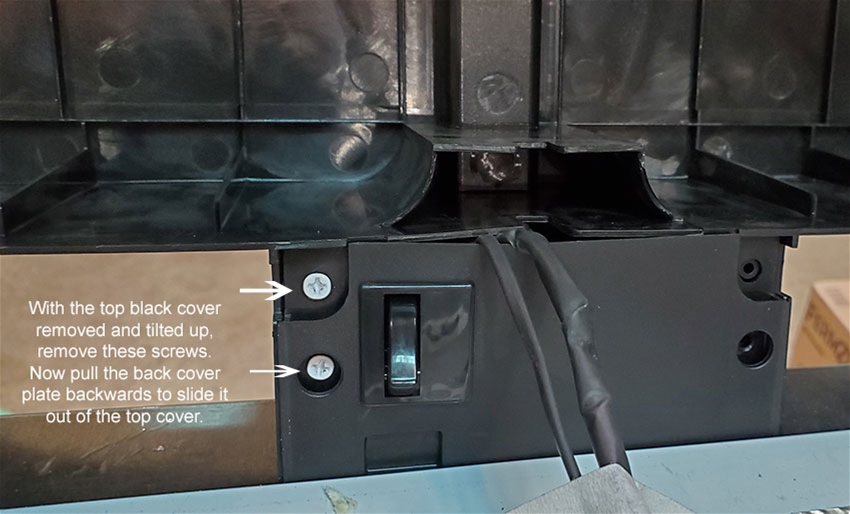
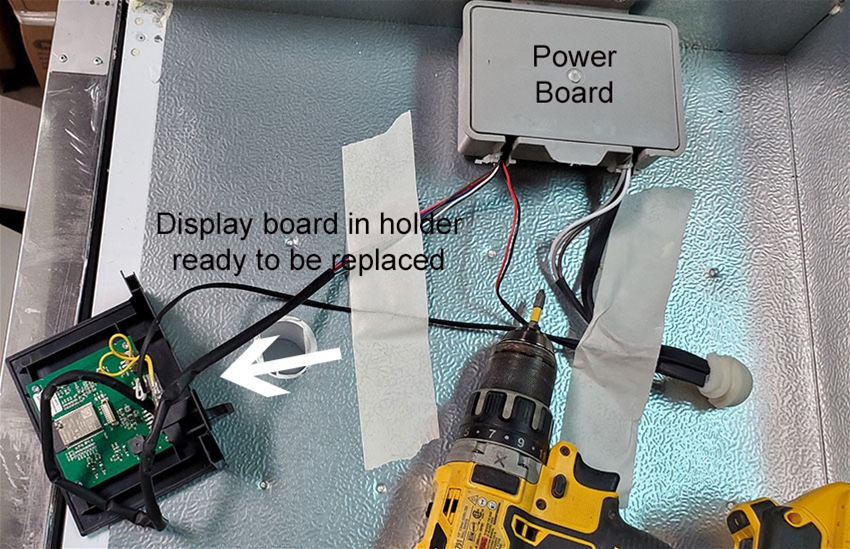
Replacement control board with color screen for the RAPT Fermentation chamber. See the note below about refreshing the firmware before buying this.
Click here for installation instructions.
Note, if you screen is frozen or garbled, you may not need a new board!
If you get a screen that is frozen or has a garbled display, it could be corrupted firmware which is easy to fix.
Just hold down all 4 buttons on the display while you power cycle the chamber to get into recovery mode.
While in recovery mode:
1. Connect to wifi
2. Do OTA update
If this does not fix it, try "rollback last OTA update" and reset.

You can be the first one to write a review.

You can be the first to ask a questions.